Backlog Refinement
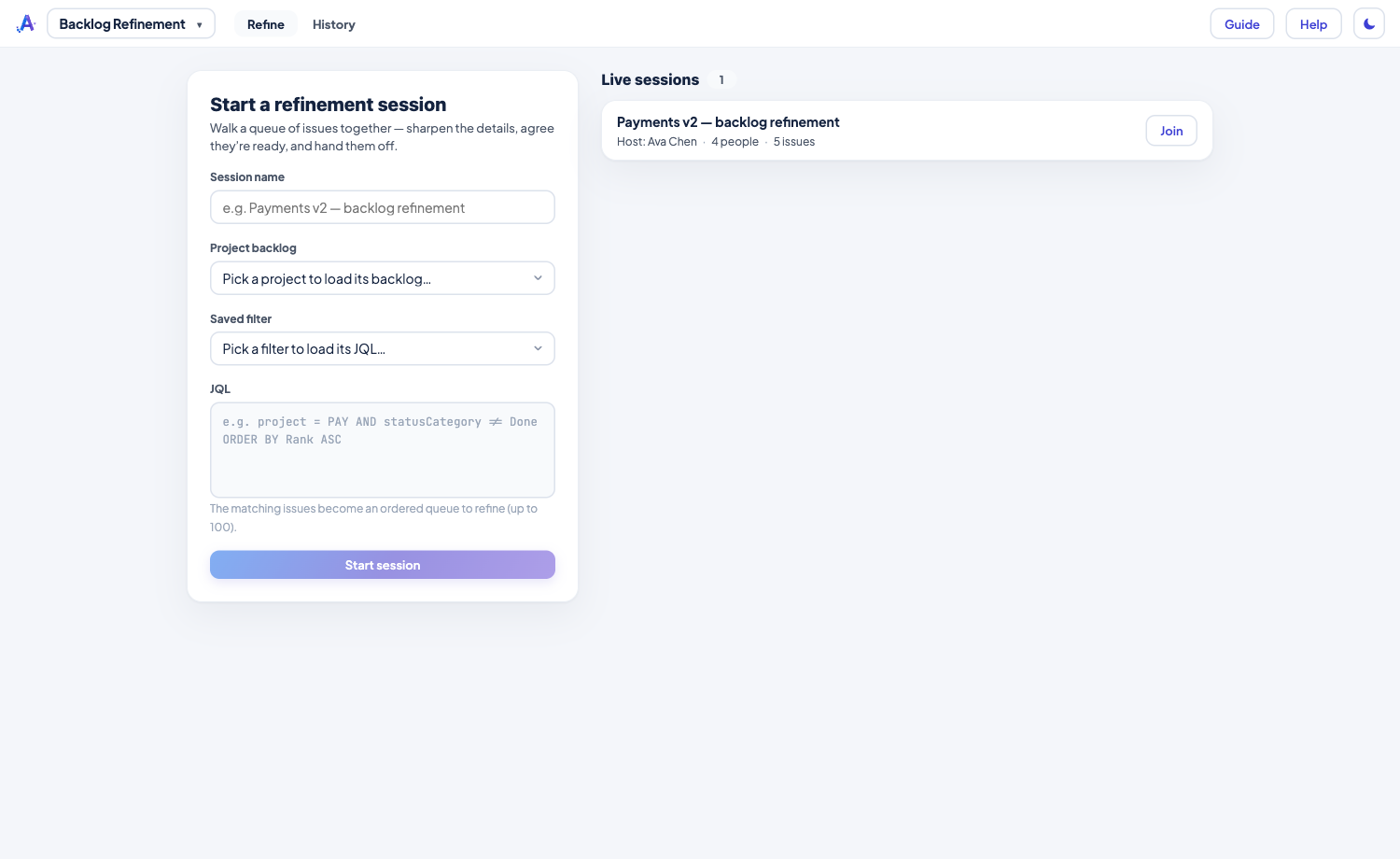
Groom the backlog together, in one shared room. The facilitator loads a queue of issues and the team walks them one at a time — reading, discussing, editing fields in place, and getting each one ready for planning. Any number of teams can run their own sessions at once.
Highlights
- One queue, one focus — load a project backlog, a saved filter, or JQL; the room moves issue to issue together so discussion stays on the same thing.
- Edit fields together — the facilitator picks which fields the room can edit (priority, assignee, labels, story points, dates…); anyone can change them and each edit saves straight to Jira, as you.
- Honest readiness — everyone marks Ready / Needs info / Blocked; the room sees the tally and coloured dots but not who signalled what, so people can be candid.
- Split & create — break an issue into smaller pieces or create brand-new ones in any project, all created as you.
- Definition of Ready → handoff — tick the checklist and apply ready-to-prioritize; the issue then shows up automatically in a Prioritization session. Not ready? Send it back.
- Shared timer & join links — the facilitator can run a shared countdown at the top of the People list (a preset or a custom time, with a chime when it's up), and a Join link drops any teammate straight into the session.
The last 90 days of sessions — what was readied, created, split or sent back — are kept under History, each with links into Jira.
Read the full how-to in the Knowledge Base → Backlog Refinement guide
Related: Prioritization · Planning Poker