Capacity Planning
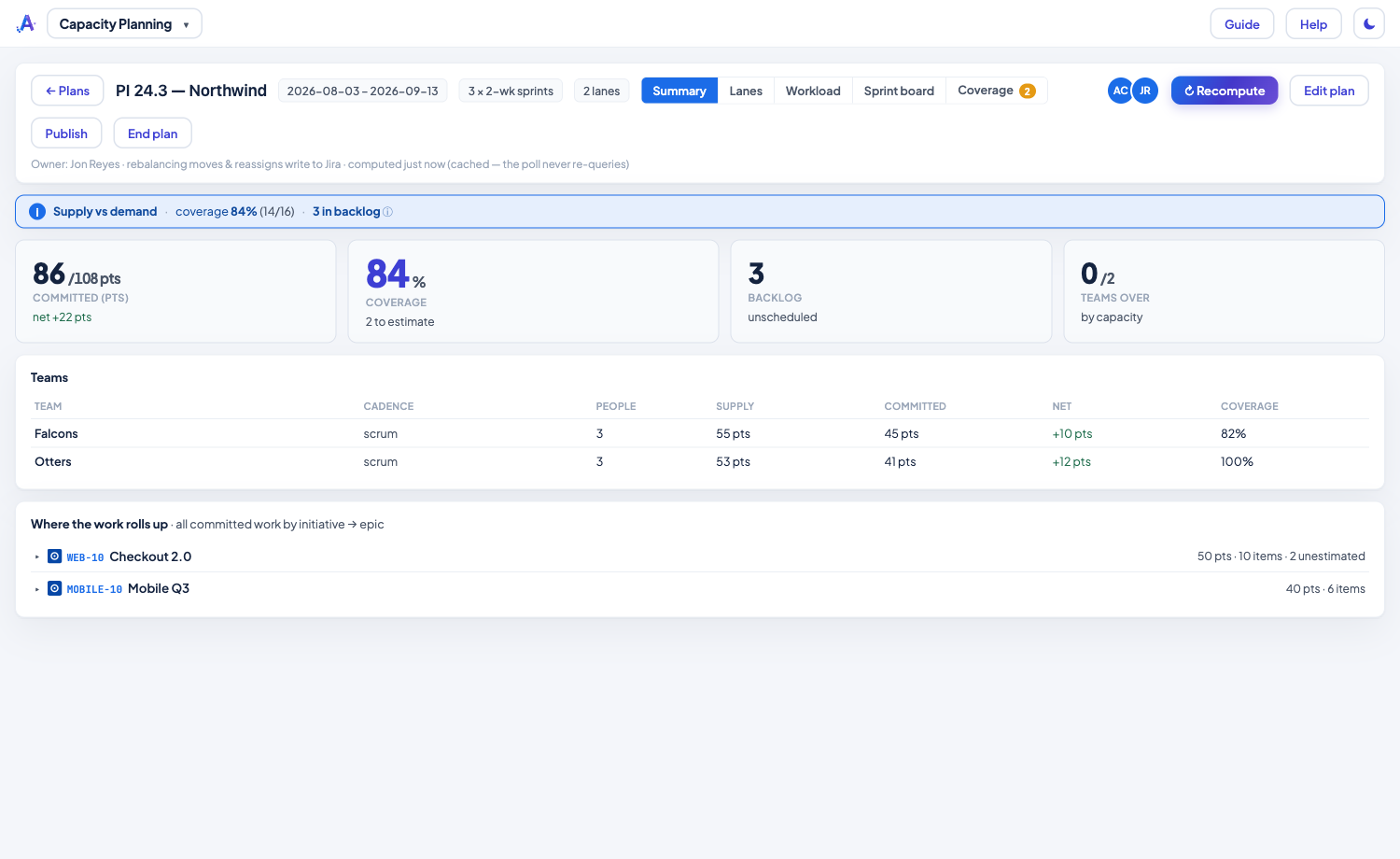
Does the work you've committed to fit the time your team actually has? Capacity Planning lines up supply (how much a team can do) against demand (the work assigned to them) and shows where you have room and where you're over — across every team on one shared calendar.
Highlights
- Honest supply — capacity is built from the availability Jira can't see: business days × hours × focus × allocation, minus time-off and ceremony overhead, per person, per timebox. Time-off is bucket-aware, so a PTO week hits that sprint, not a smeared average.
- Every team keeps its own unit — story points, hours, or item throughput sit side by side and are never converted. Scrum, weekly kanban and monthly service teams all share one calendar.
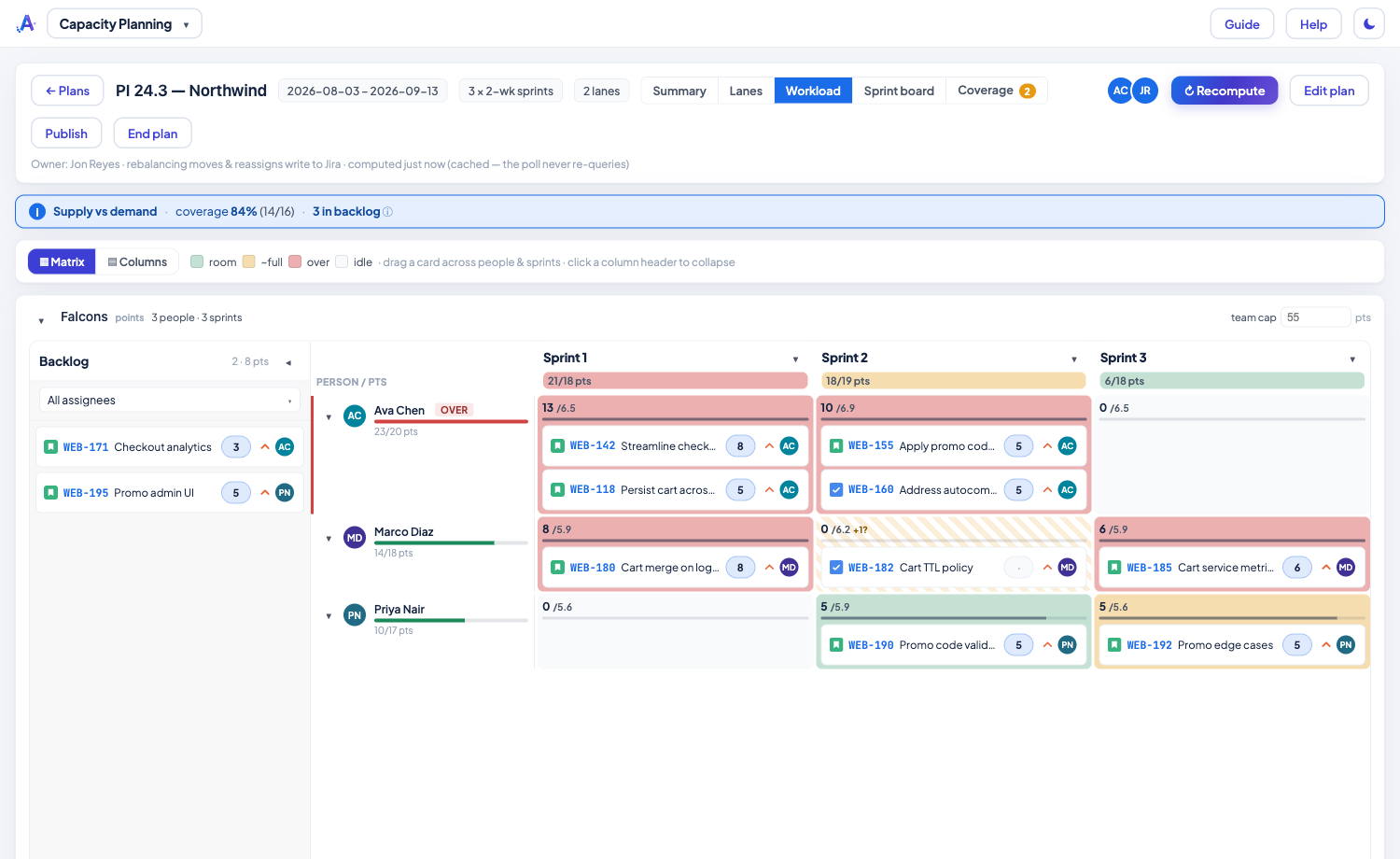
- Plan by dragging — reschedule, reprioritize, reassign or spin up a sprint on the fly. Every drag writes straight to Jira as you — there's no separate save.
- Coverage keeps you honest — the plan tracks what share of committed work is estimated, flags unestimated issues instead of counting them as zero, and can hand a slice straight to Planning Poker.
Rebalance on a heatmap
End a plan and it's kept as a read-only snapshot under History for 90 days, and any live or past plan can be published to Confluence as a shareable supply-vs-demand summary.
Read the full how-to in the Knowledge Base → Capacity Planning guide
Related: Planning Poker · Program Status